Mac desktop
YOUR NEXT IDEAKeep this
in view.Copy image
in view.Copy image
YOUR NEXT IDEAKeep this
in view.
in view.
Copy an imageClick DeskDropRight on your desktop
01 / COPY + CLICK
One click. In sight.
No shortcut to remember.
DeskDropYOUR DESKTOP. YOUR BIGGER PICTURE.
An instant pinboard for your Mac.
Screenshots, references, inspiration.
Planned universal purchase for Mac, iPhone and iPad.
No subscription. Not yet available to buy.
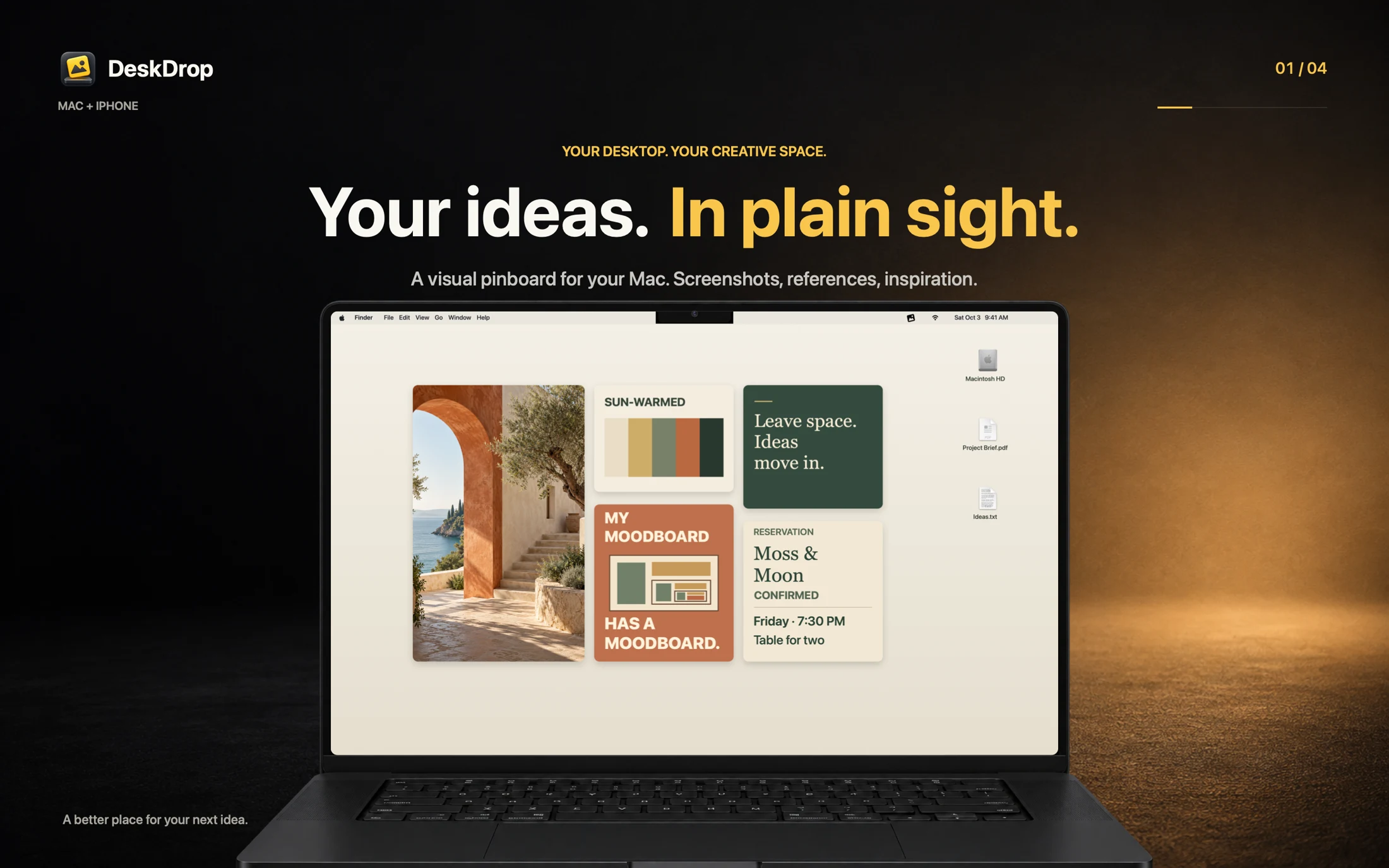
A LITTLE LESS FRICTION
DeskDropIllustrative demos. iPhone and iPad sharing requires the Mac app and iCloud Drive. Saving an image does not confirm Mac delivery; sync time varies.
ON YOUR MAC
Copy an image, then click the DeskDrop menu-bar icon. Your image is right there on your desktop. No shortcut to remember.
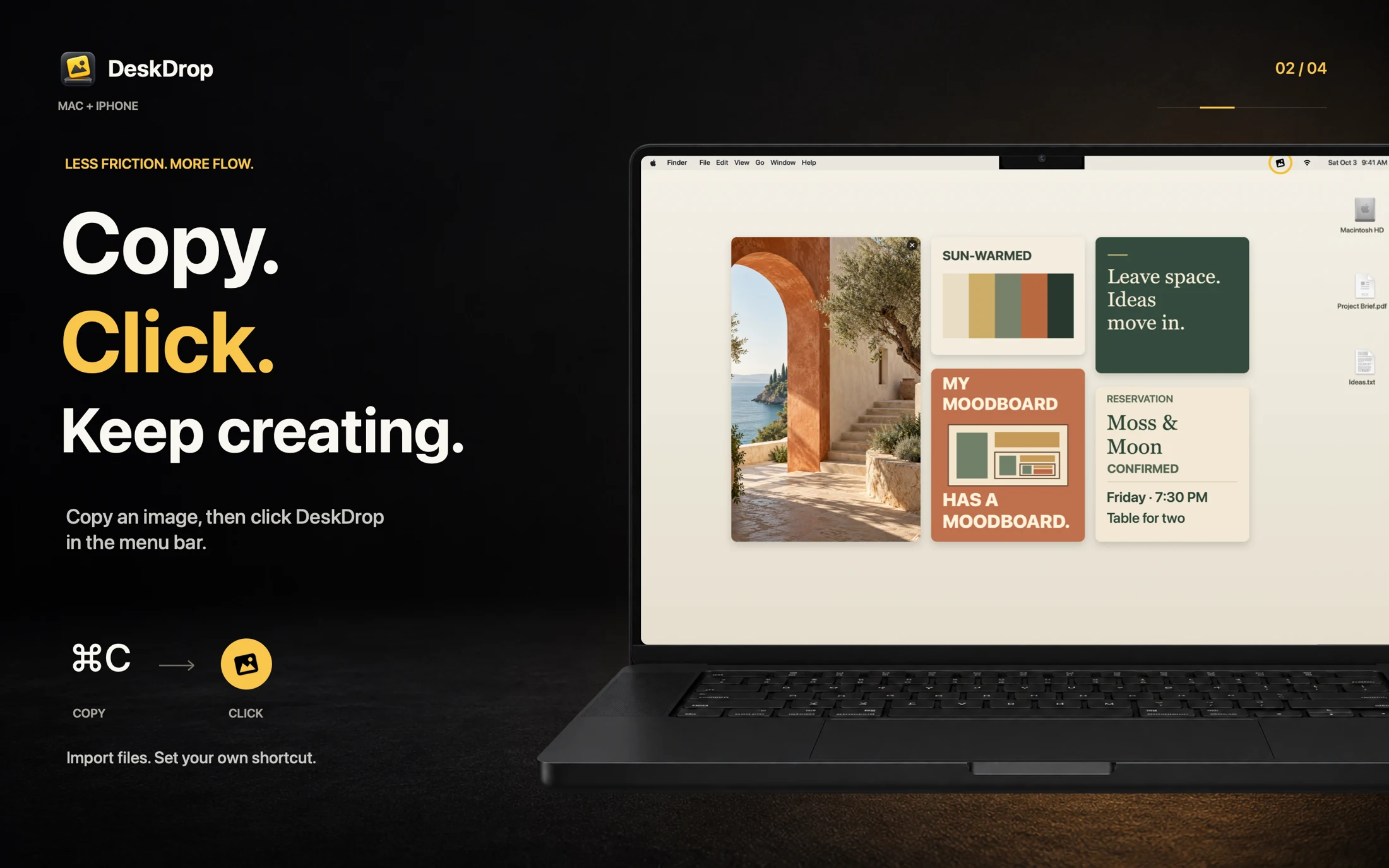
A screenshot, a reference, something you want to come back to.
One click on the Mac menu-bar icon adds your copied image.
Move it. Resize it. Keep working with your ideas in view.
Prefer the keyboard? Record your own optional shortcut in Settings. No shortcut is assigned by default.
A WORKSPACE THAT WORKS FOR YOU
Go Freeform and put each image where you want it. Or use Grid to arrange images into tidy rows, with spacing and sorting controls.
Your library keeps everything together: All Images, On Desktop, Waiting and Removed. Remove an image from your desktop, then restore it when you need it.
Explore the library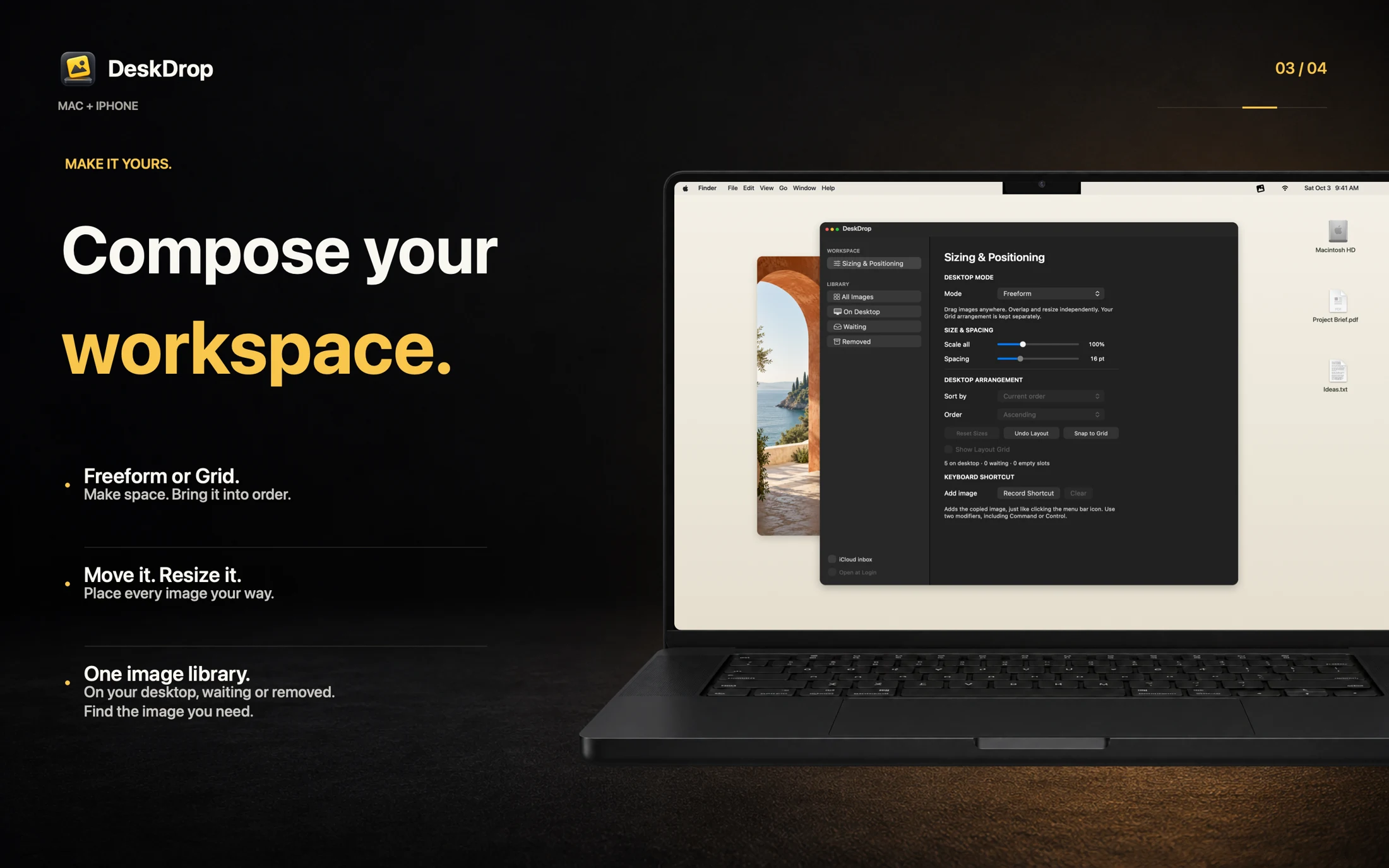
IPHONE + IPAD → MAC
Share one photo or screenshot to DeskDrop from your iPhone or iPad. Your Mac brings it into view after iCloud Drive syncs.
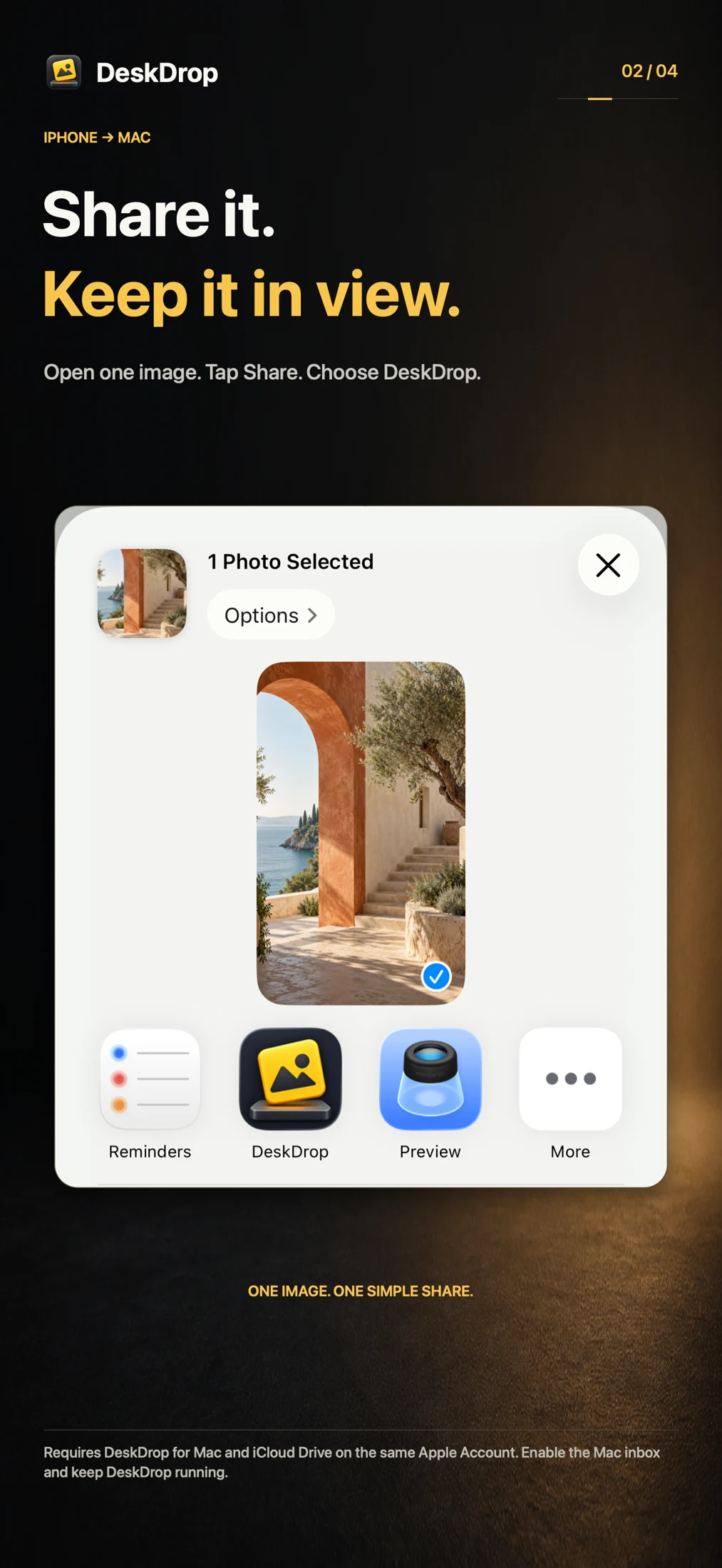
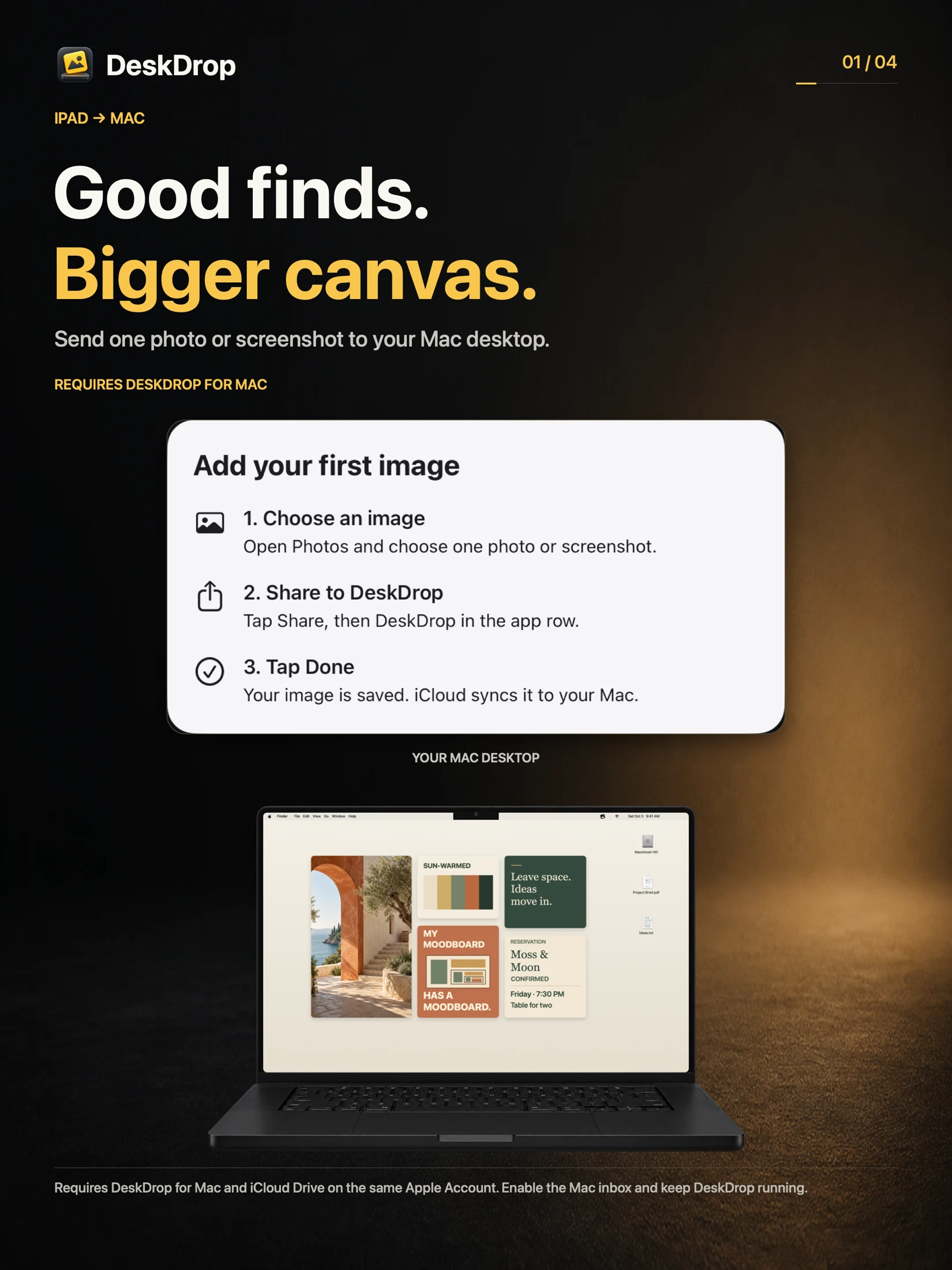
Use the same Apple Account and enable iCloud Drive on both devices. Keep DeskDrop running on your Mac with iCloud inbox enabled.
iPhone and iPad are companions to the Mac app. The confirmation means your image was saved, not that it has already reached your Mac.
Help with iCloud transferYOUR IMAGES. YOUR ICLOUD.
Your Mac stores its image library locally. Sharing from iPhone or iPad uses your own iCloud Drive and Apple Account.
Read the app privacy draftWHY I’M BUILDING IT
DeskDrop gives those screenshots a visible place.
Come back to them. Do something with them.
If seeing it helps you remember it, this is for you.
ONE PURCHASE. YOUR APPLE DEVICES.
Mac + iPhone + iPad. No subscription.
Coming soonPlanned launch price. App Store availability and pricing are not yet live.
macOS 13+ · Intel and Apple silicon
iOS / iPadOS 15+ · Mobile companions require the Mac app